
Facebook is showing less news. Here's how to keep seeing The Telegraph
Facebook is going to make it harder to keep up with everything that’s happening in your community by showing you fewer local news stories in your News Feed.
But you can still make sure you see The Telegraph by following these very easy steps:
Are you reading this on a desktop or laptop computer?
Click here to go to The Telegraph’s Facebook page and look at the upper left part of the page.
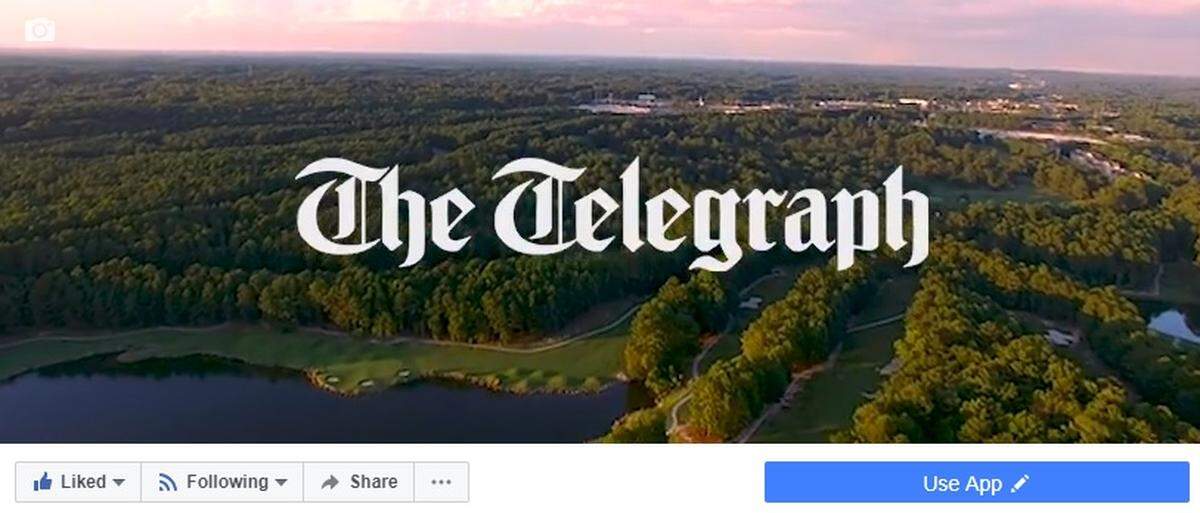
First, make sure you “Like” The Telegraph.
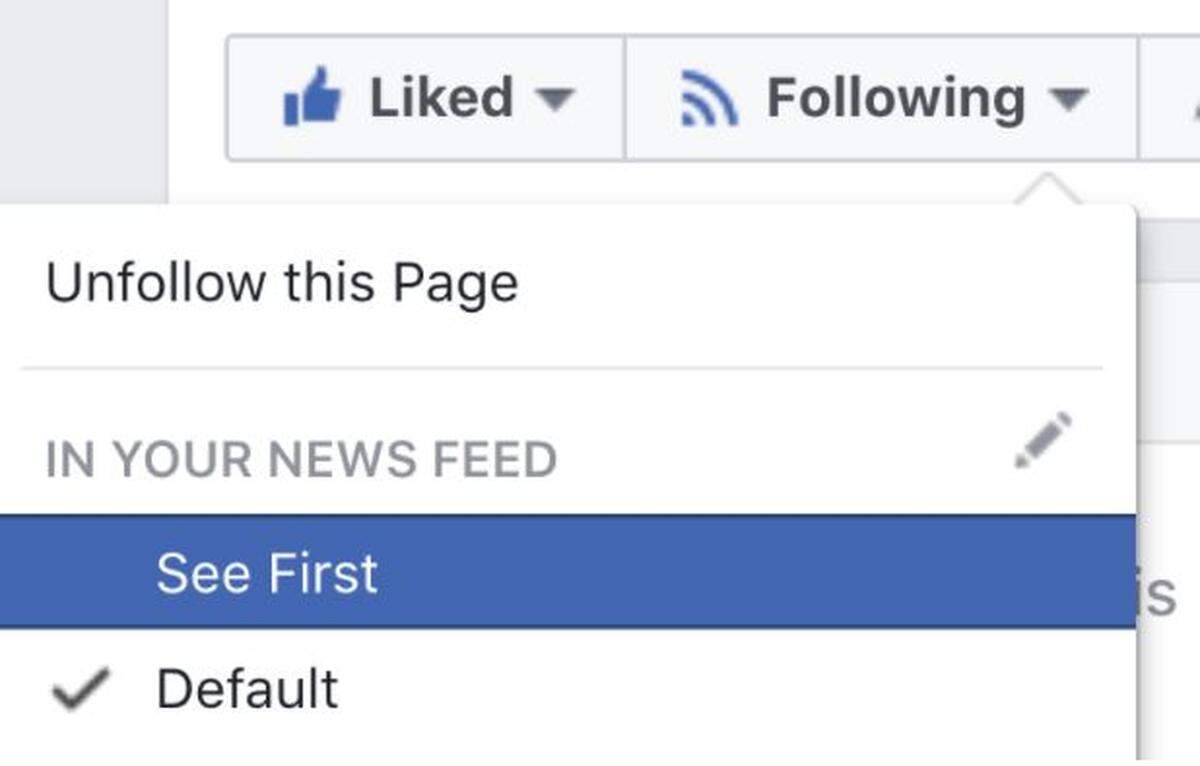
Then next to the “Like” button, you’ll see the word “Following.” Roll your cursor over it and then choose “See First” and “On (Events, Suggested Live Videos)." If you want to control how you’re notified when The Telegraph posts something new, click the small pencil icon next to the word “Notification” and make your choices. That’s it! You’re done.
Are you reading this on your phone or tablet?
Click here to go to the The Telegraph’s Facebook page. Right under the photo at the top, find the word “Follow” or “Following.”
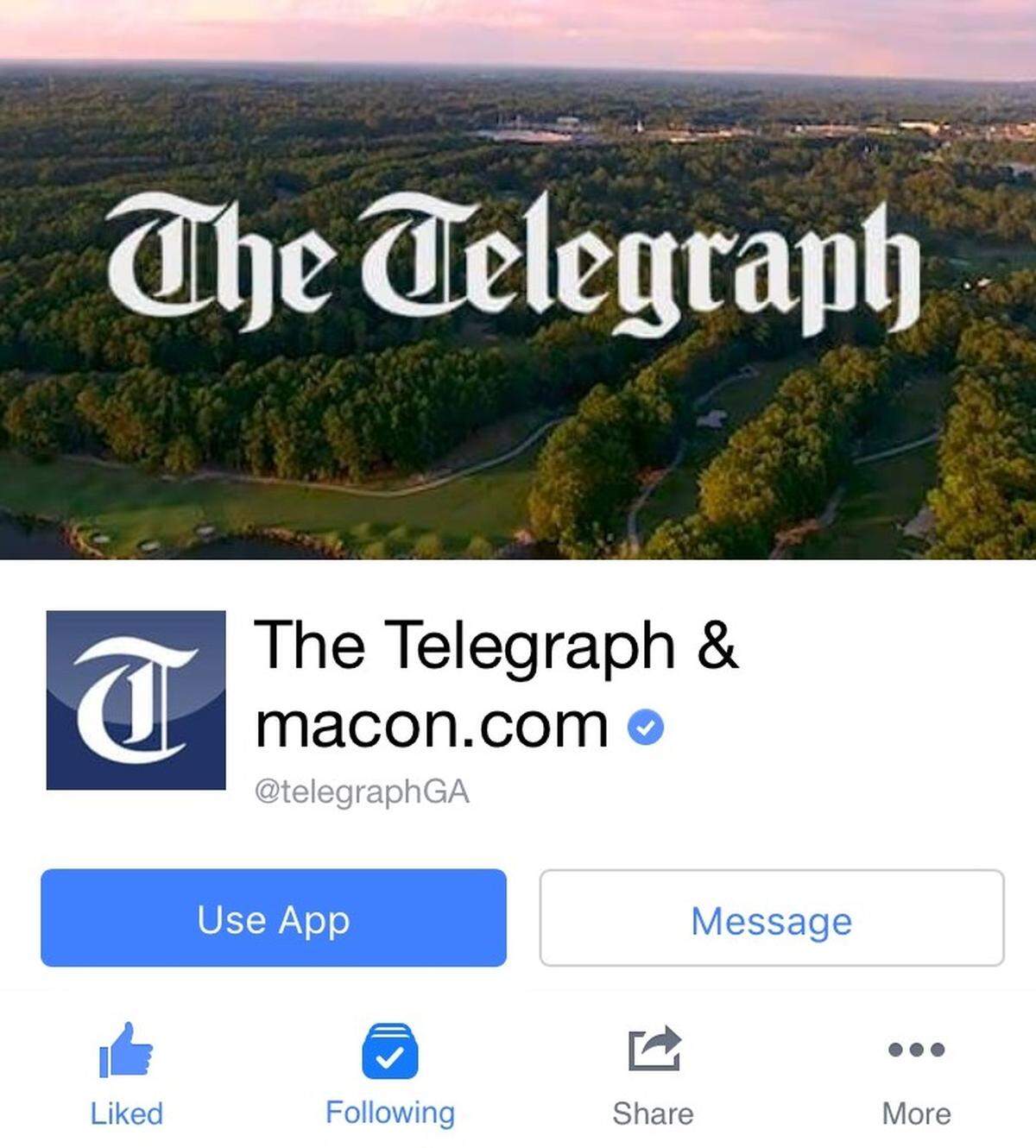
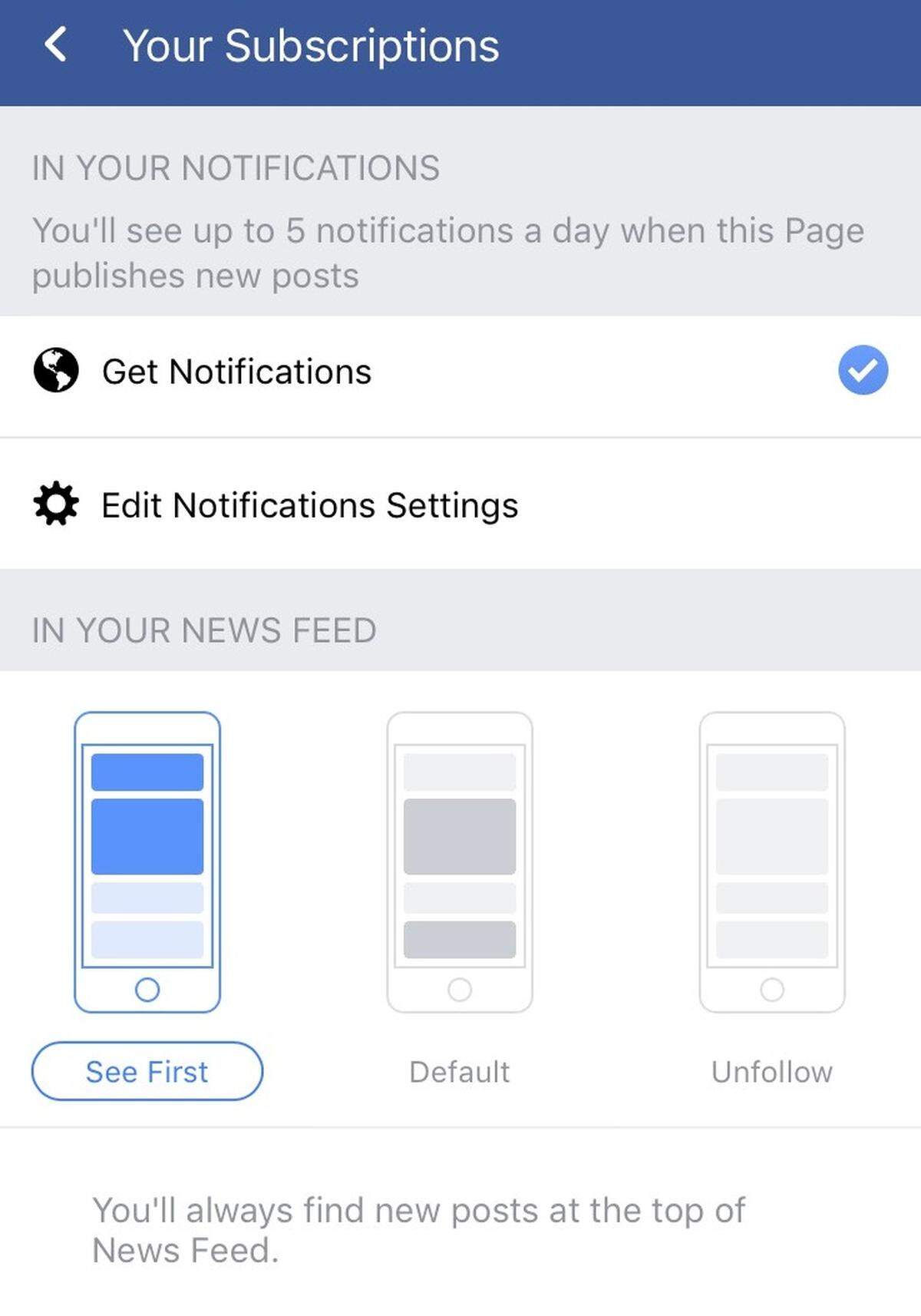
If you see the word “Following,” click on it and then click “See First.” You’re good to go!
If you see the word “Follow,” click it and then click “See First.” That’s all there is to it!
Thank you very much for reading The Telegraph on Facebook.